
Brand assets · 29 August 2026
The favicon, and a full Instagram set.
The tab icon is already live. Your three pinned covers and seven highlight covers rebuilt on the V2 gold and steel green system, same wording, ready to upload from your phone.
01 — Shipped
Favicon, done and live.
The site already pointed at a gold mark, but browsers ask for /favicon.ico on their own and that file was still the retired blue HV. That is why you kept seeing the old one. It is now a real multi-size icon, 16 through 128, so nothing gets a blurry downscale.
Before
The retired blue mark, near invisible at 16px
 Hunt VisualsHunt Visuals
After
Gold HV on the steel green ground
 Hunt VisualsHunt Visuals



02 — Instagram
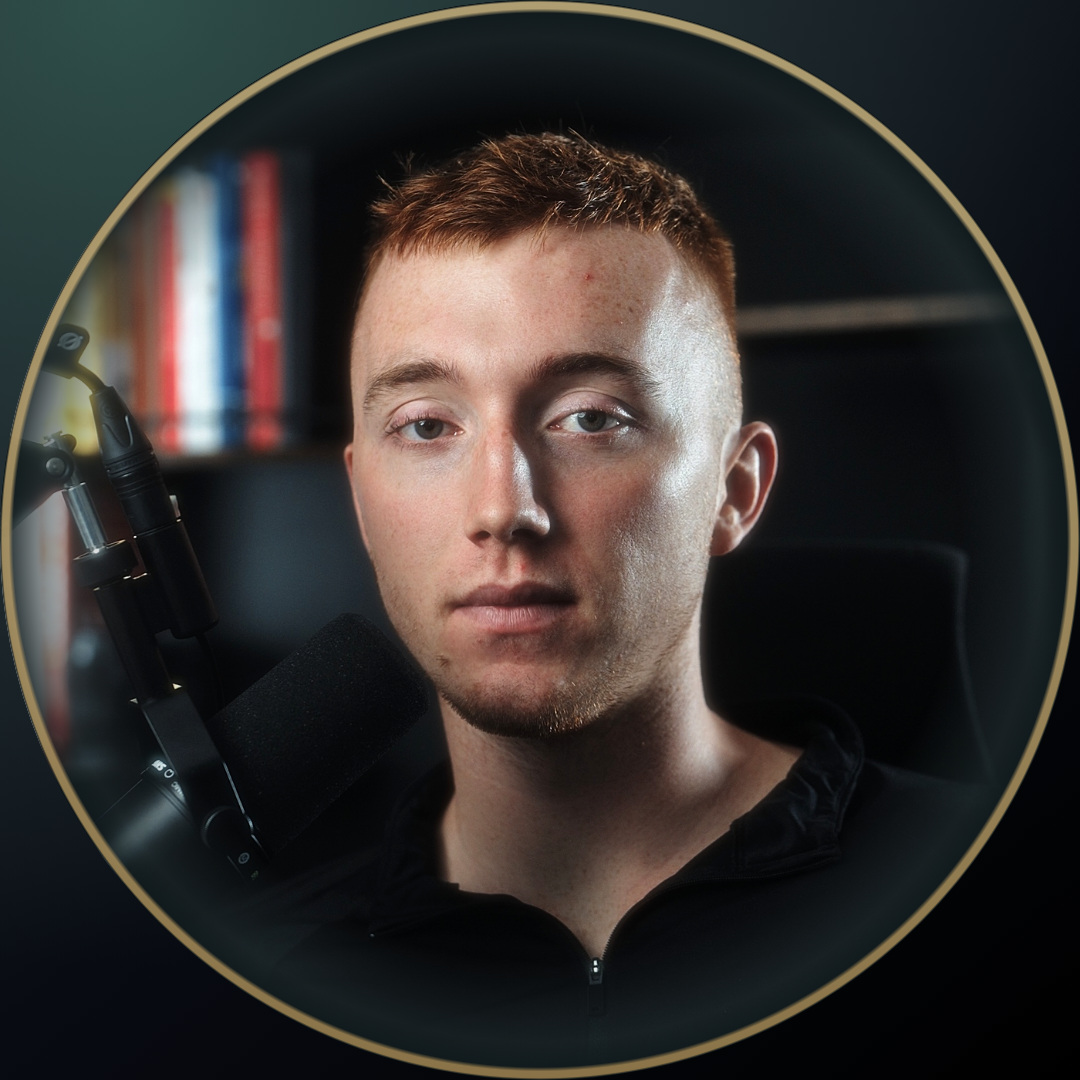
Profile picture, off the VSL frame.
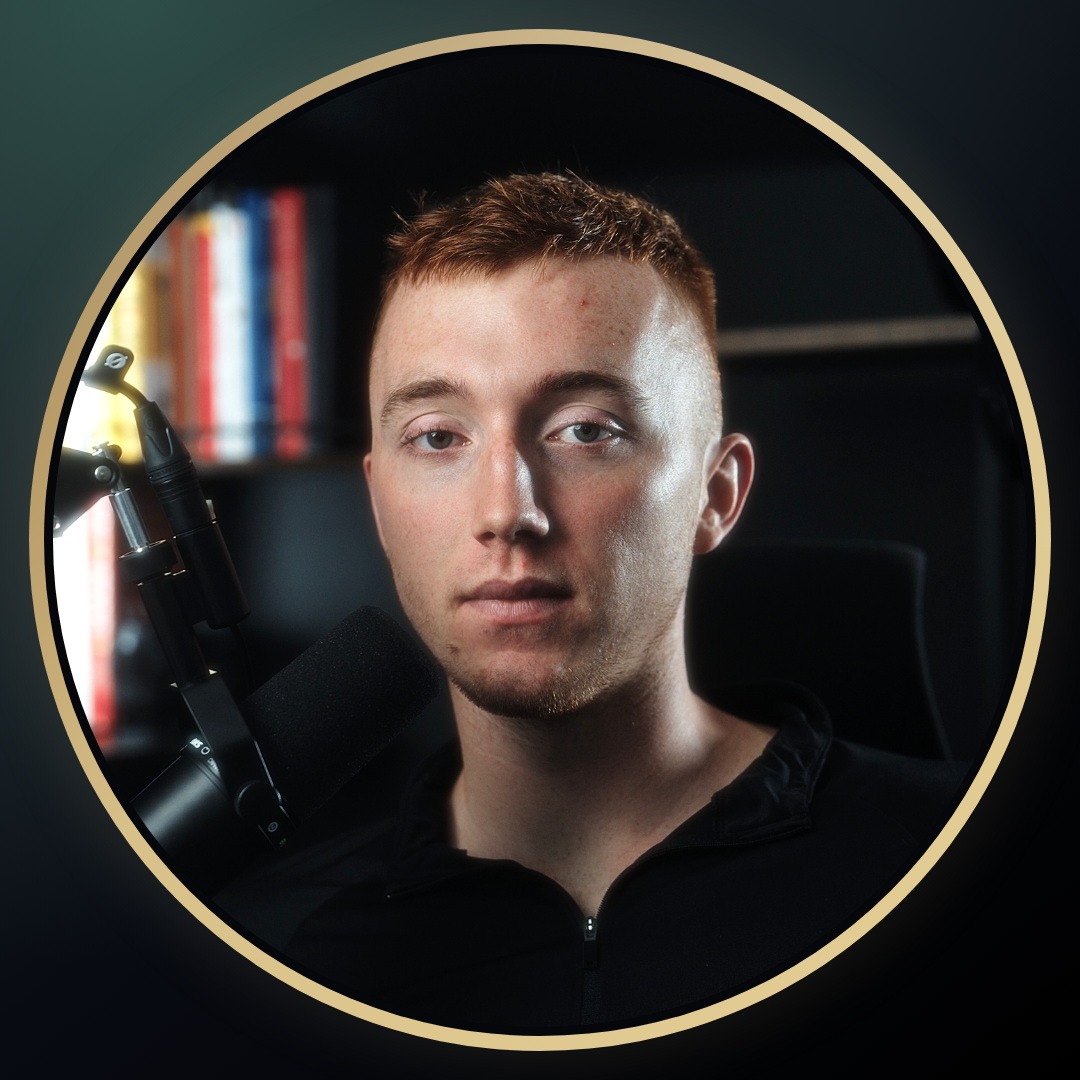
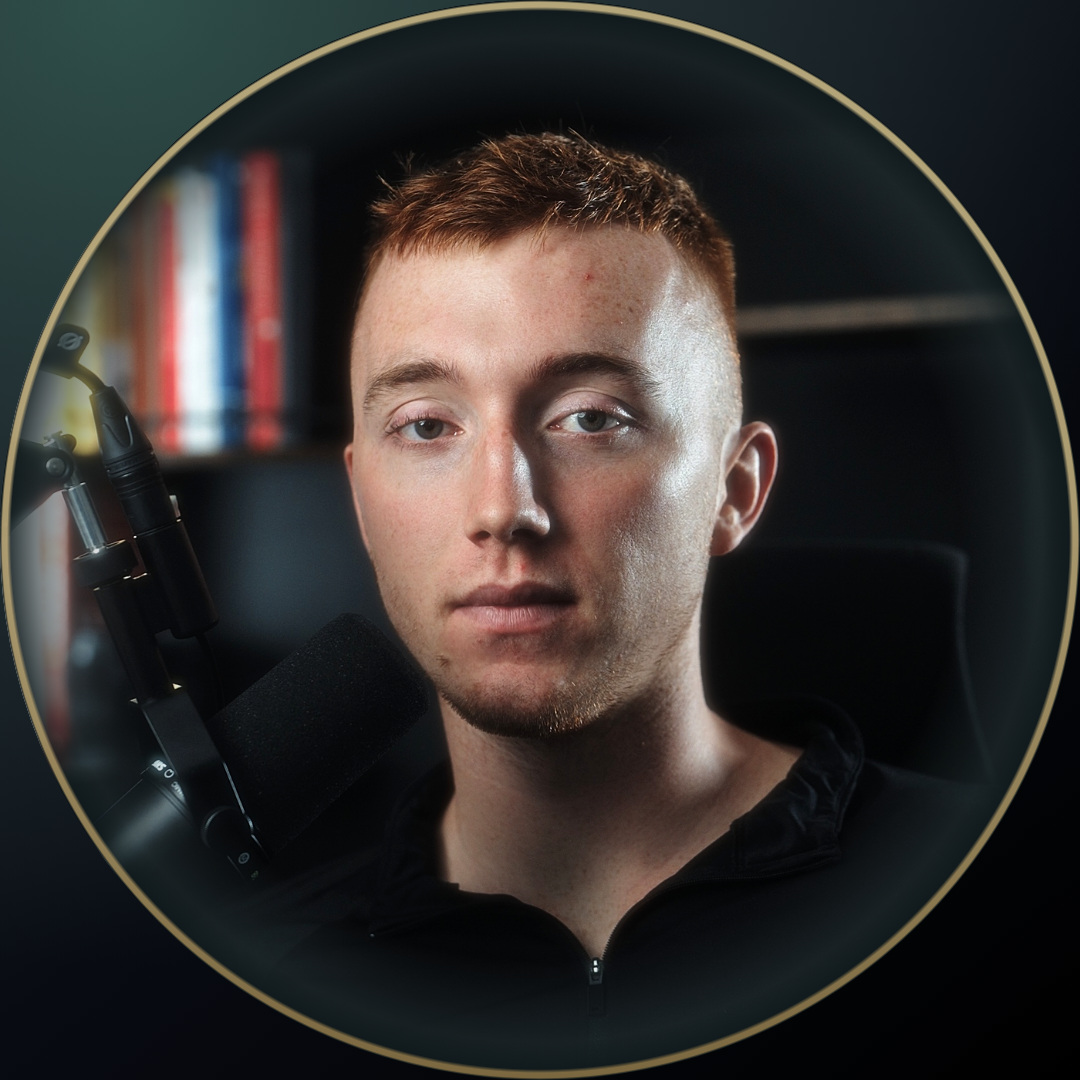
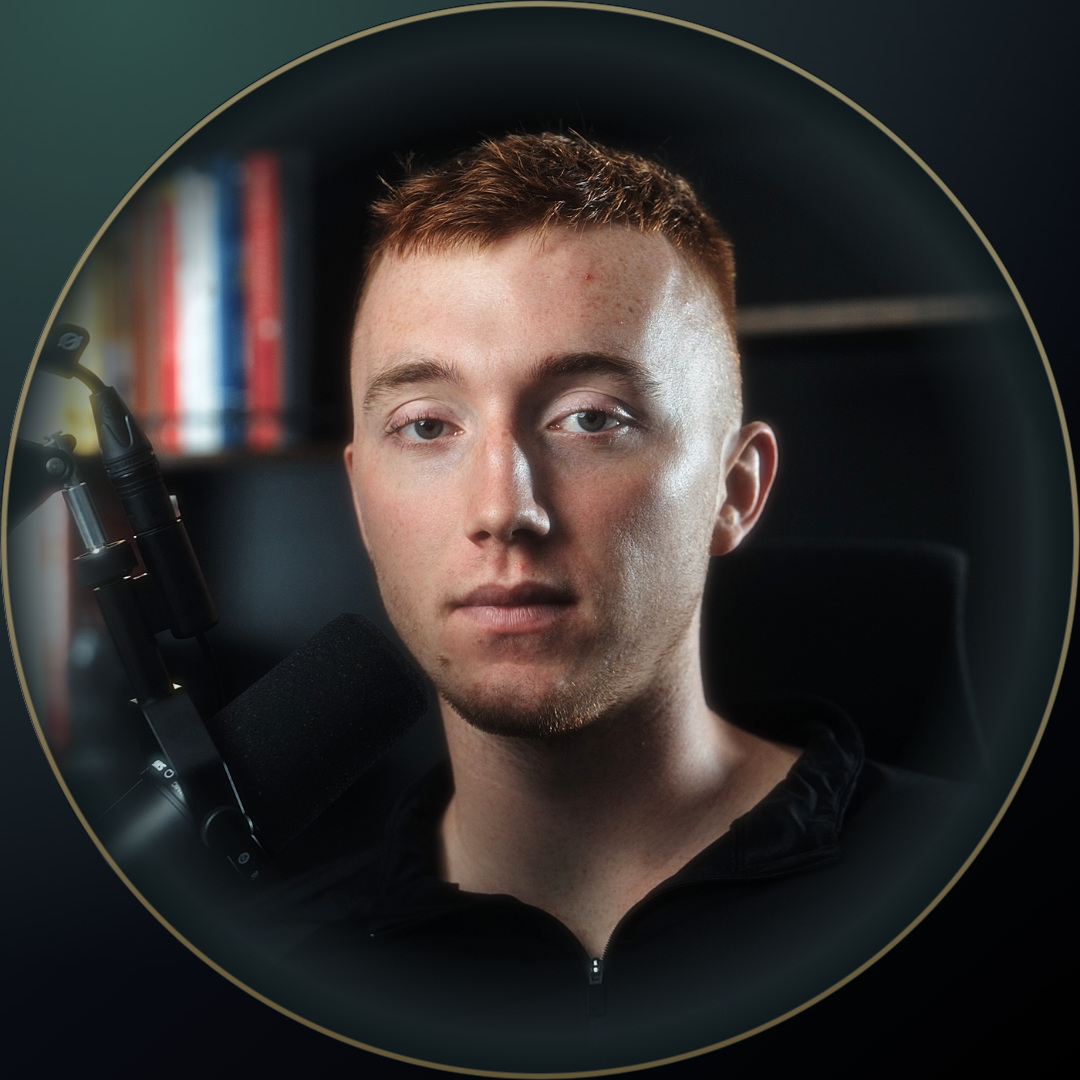
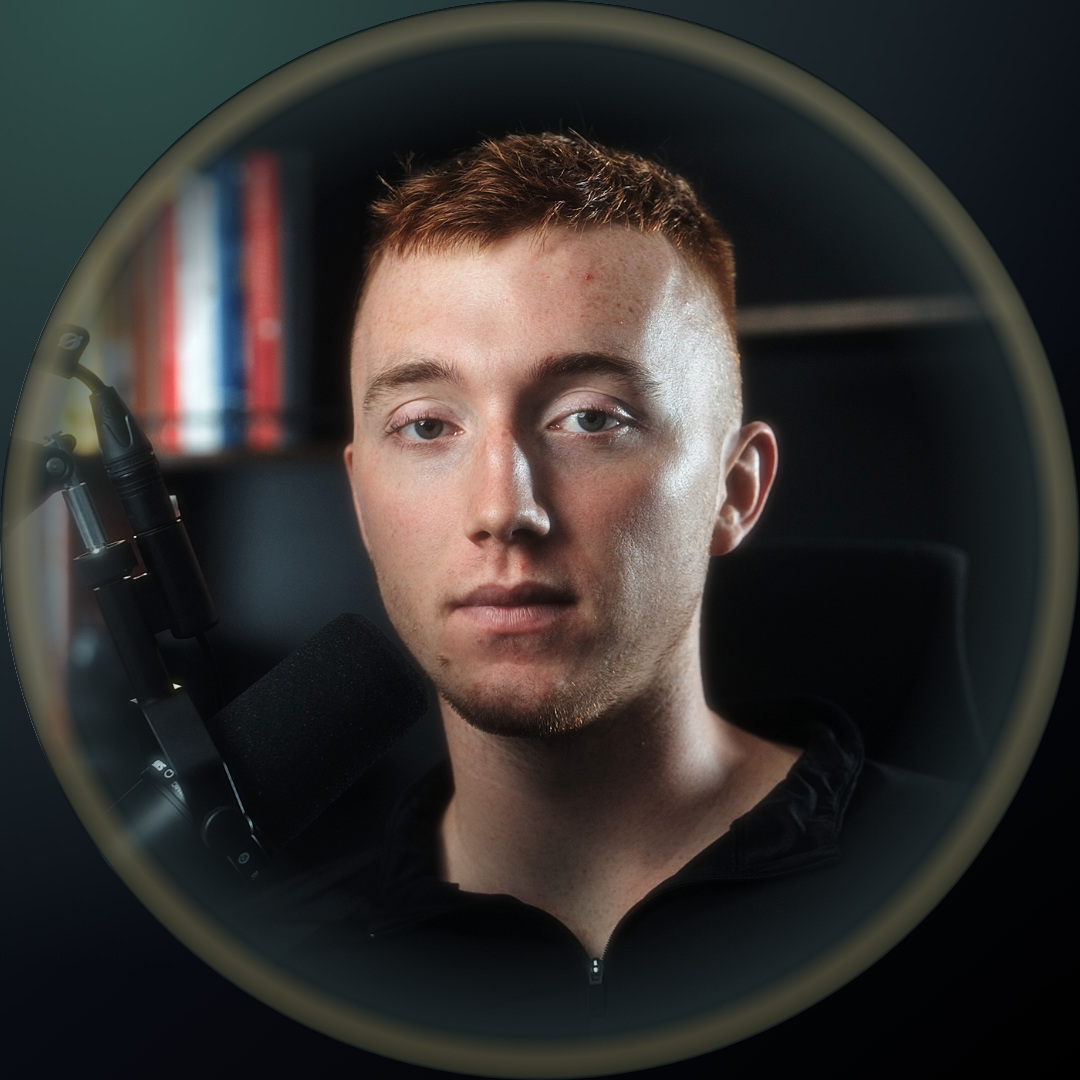
Same shot as the video card on the site, cropped to head and shoulders and lifted a touch so it does not go murky at 90px. The photo runs all the way to the rim, a steel green vignette closes it, and a thin even gold line sits on that edge. No gap band, which is what made the first one read blocky.
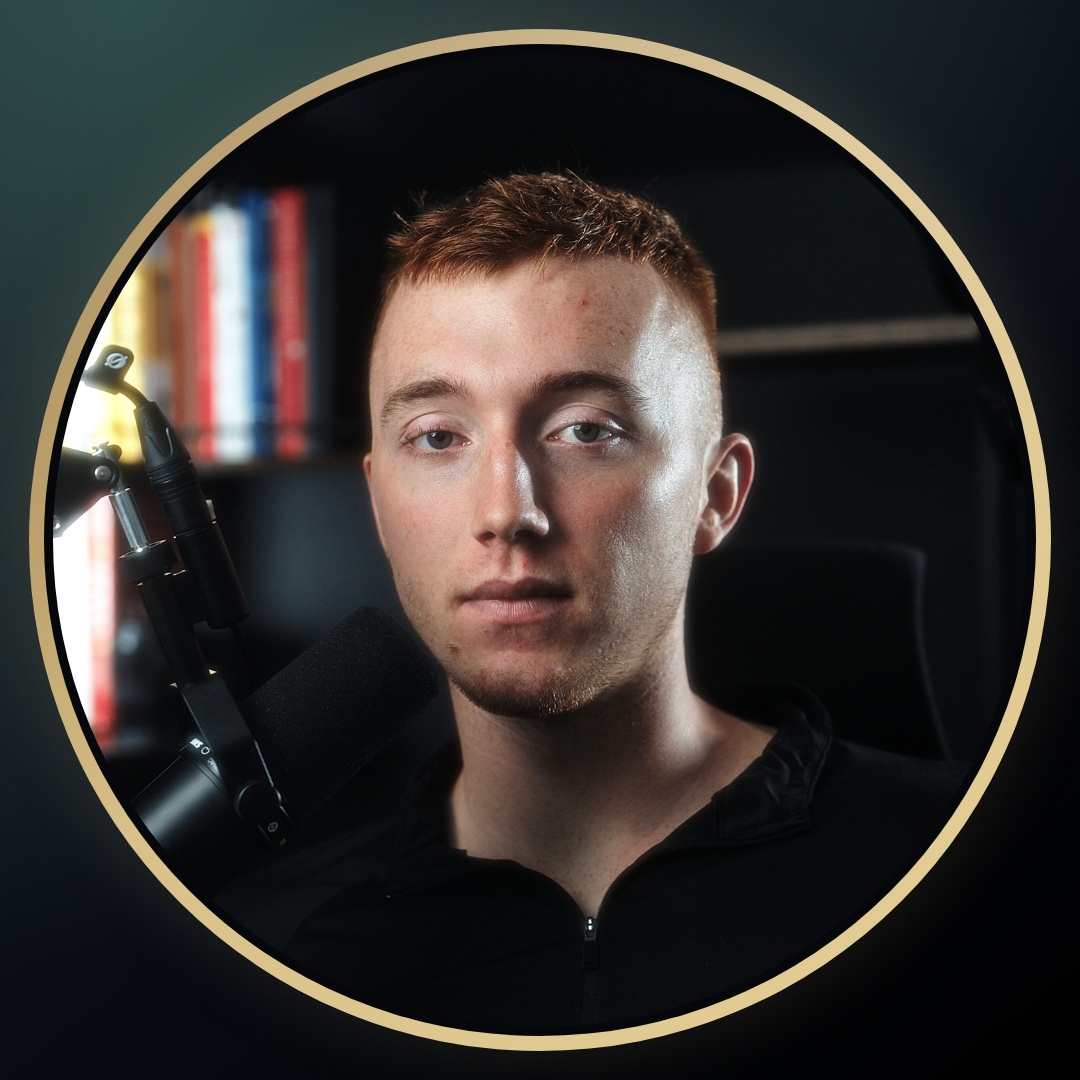
Instagram shows this at four sizes. It has to hold up at the smallest one, which is a 32px circle next to a comment.
The ring is even the whole way round now, and about half the weight. A gold arc on one side read like it had slipped off centre, so the only variation left is top to bottom, which reads as light rather than as a mistake. Even is live above.
03 — Instagram
Three pinned post covers, rebranded.
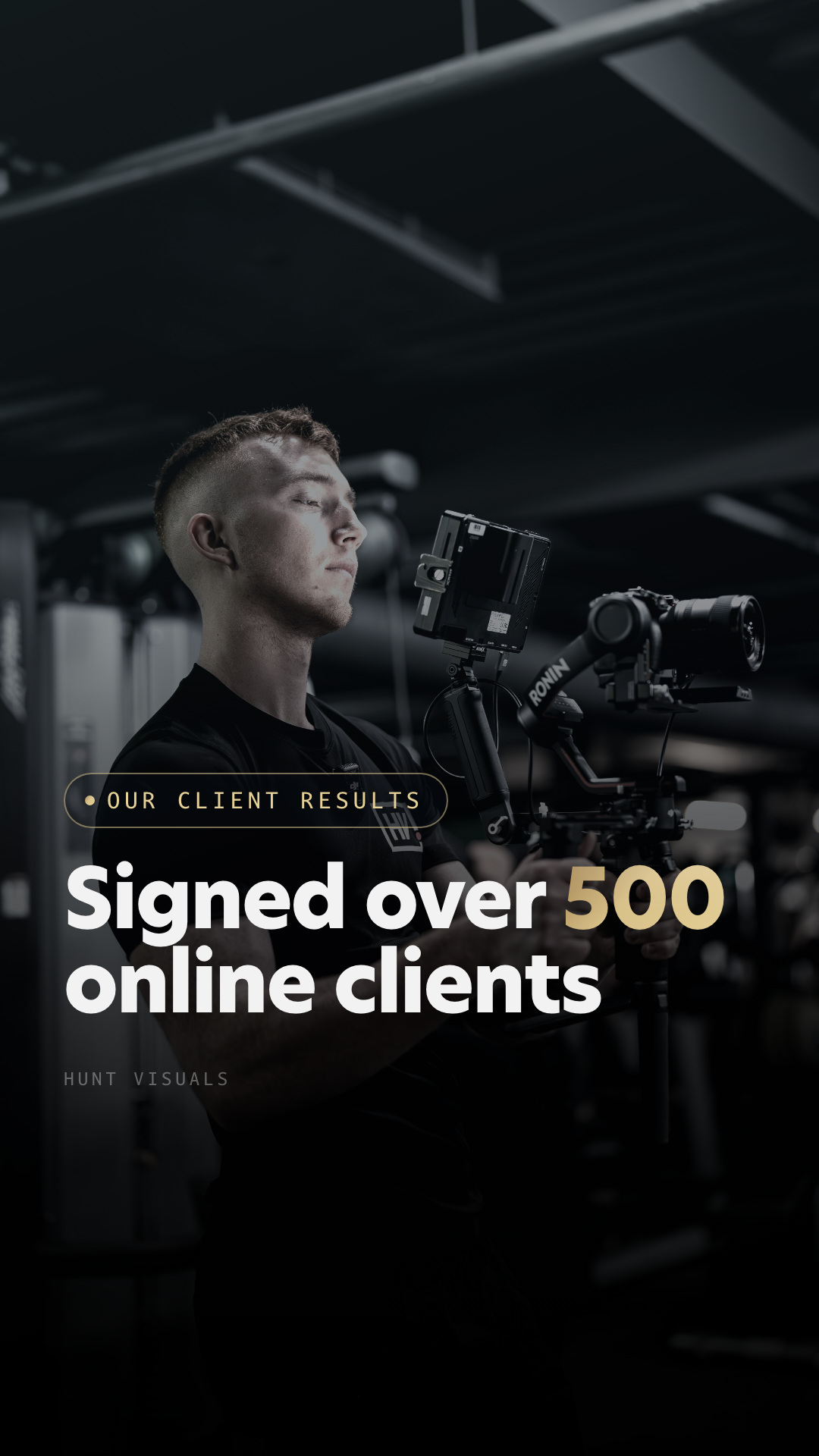
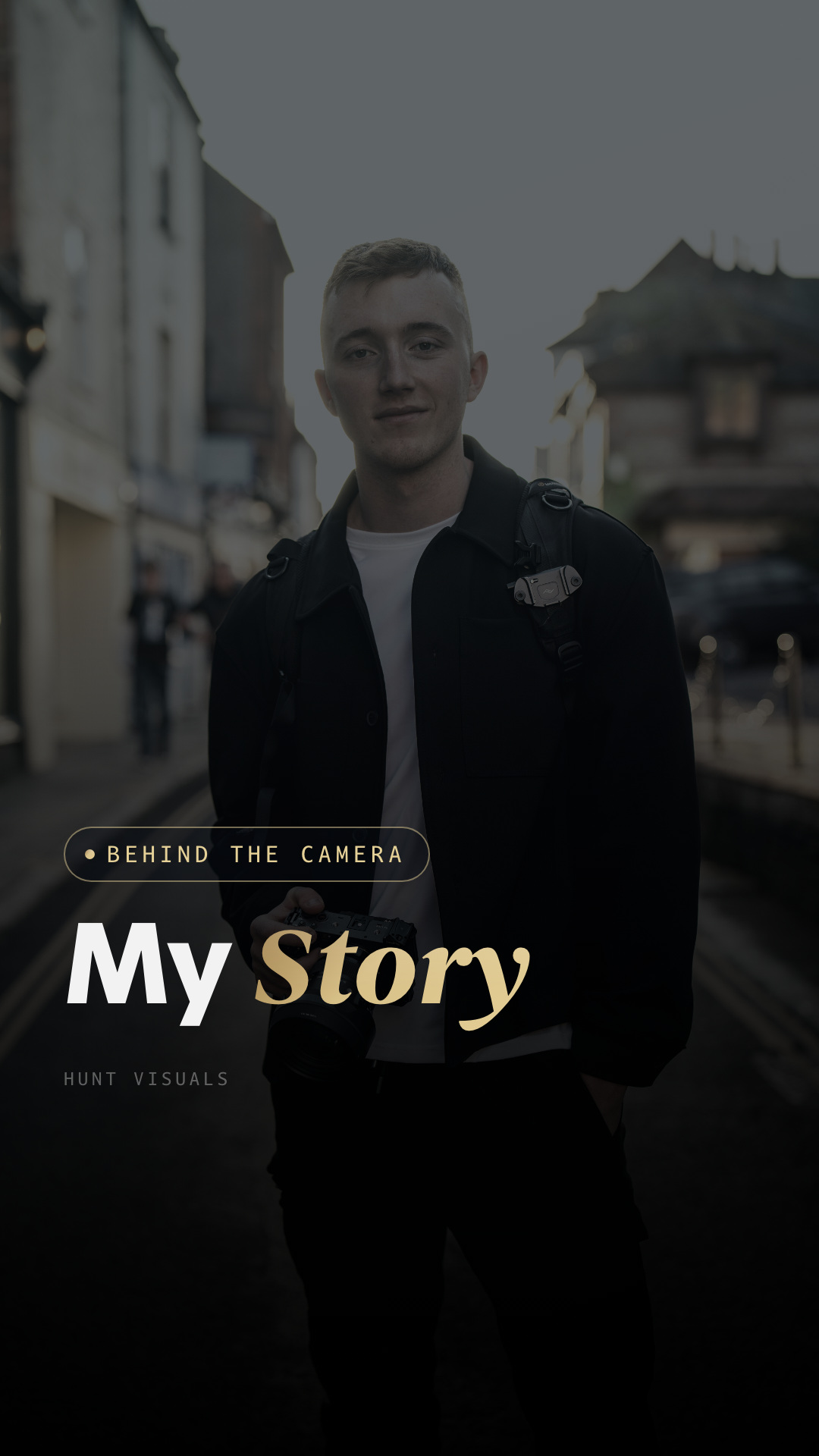
A repaint of your own covers, not a redesign. Built from your generator in _cover_work, so the photos, the crops, the zooms, the margins and the headline baseline are the same numbers you already had. Only the brand tokens moved: blue to the gold gradient, the navy floor to steel green, Instrument Serif to Begum. The accent stays exactly where it was, on 500 and on Engine, with Story left white under a glow.
Blue chip · blue accent · navy floor · Inter and Instrument Serif
Gold stroke chip · gold accent · steel green floor · New Hero and Begum
The full 9:16, with the real grid crop marked. Instagram shows the centre 1080 by 1350, not a square, which is what a square-safe layout gets wrong: it cuts the top of your head off.
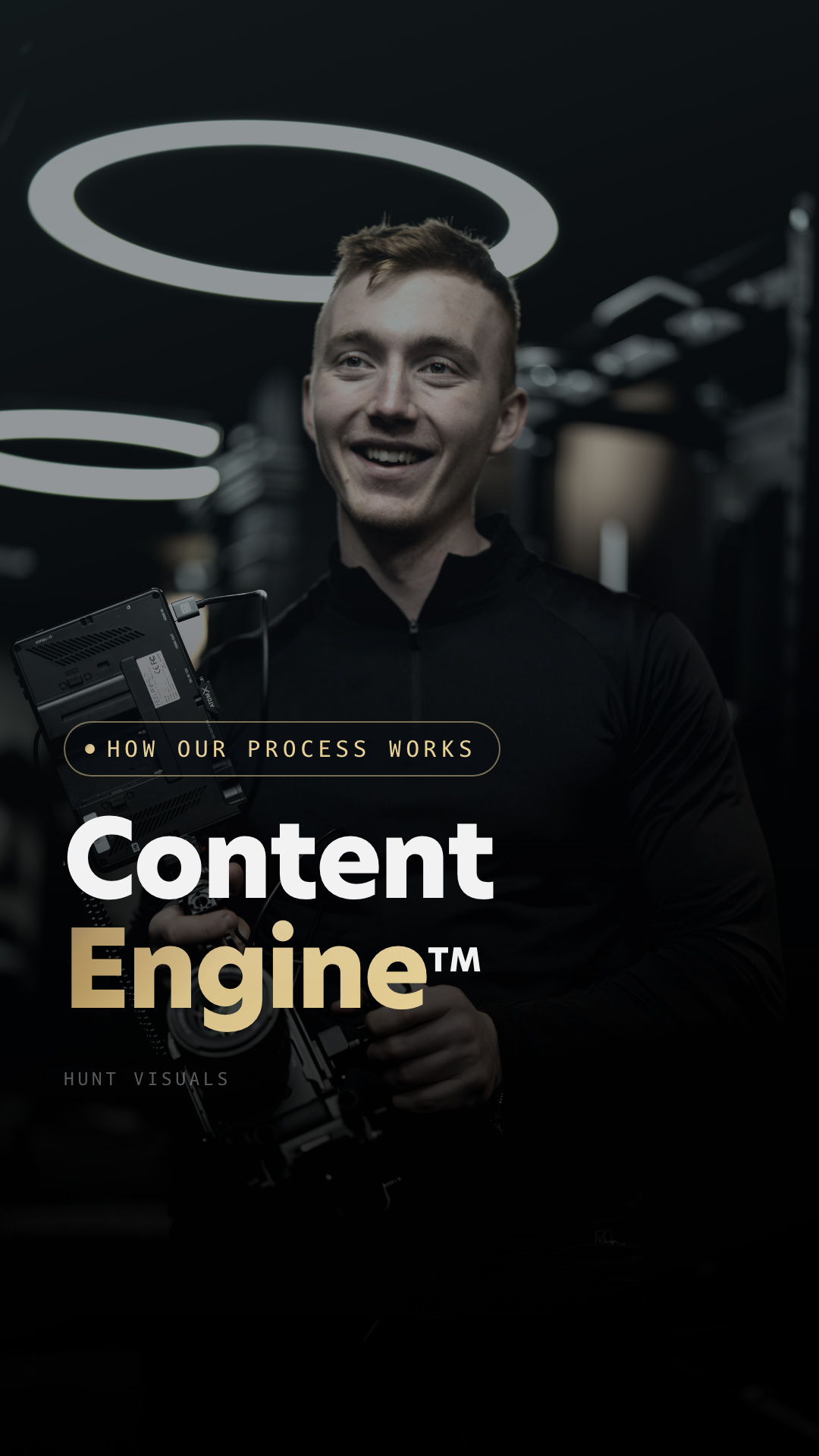
04 — Instagram
Your seven highlight covers.
Your real highlight names off the profile, in profile order. Photo in colour behind a steel green gradient, one word on top, all at one type size. Every face is detected and placed at the same spot and the same size, so the row reads as one set rather than seven crops.
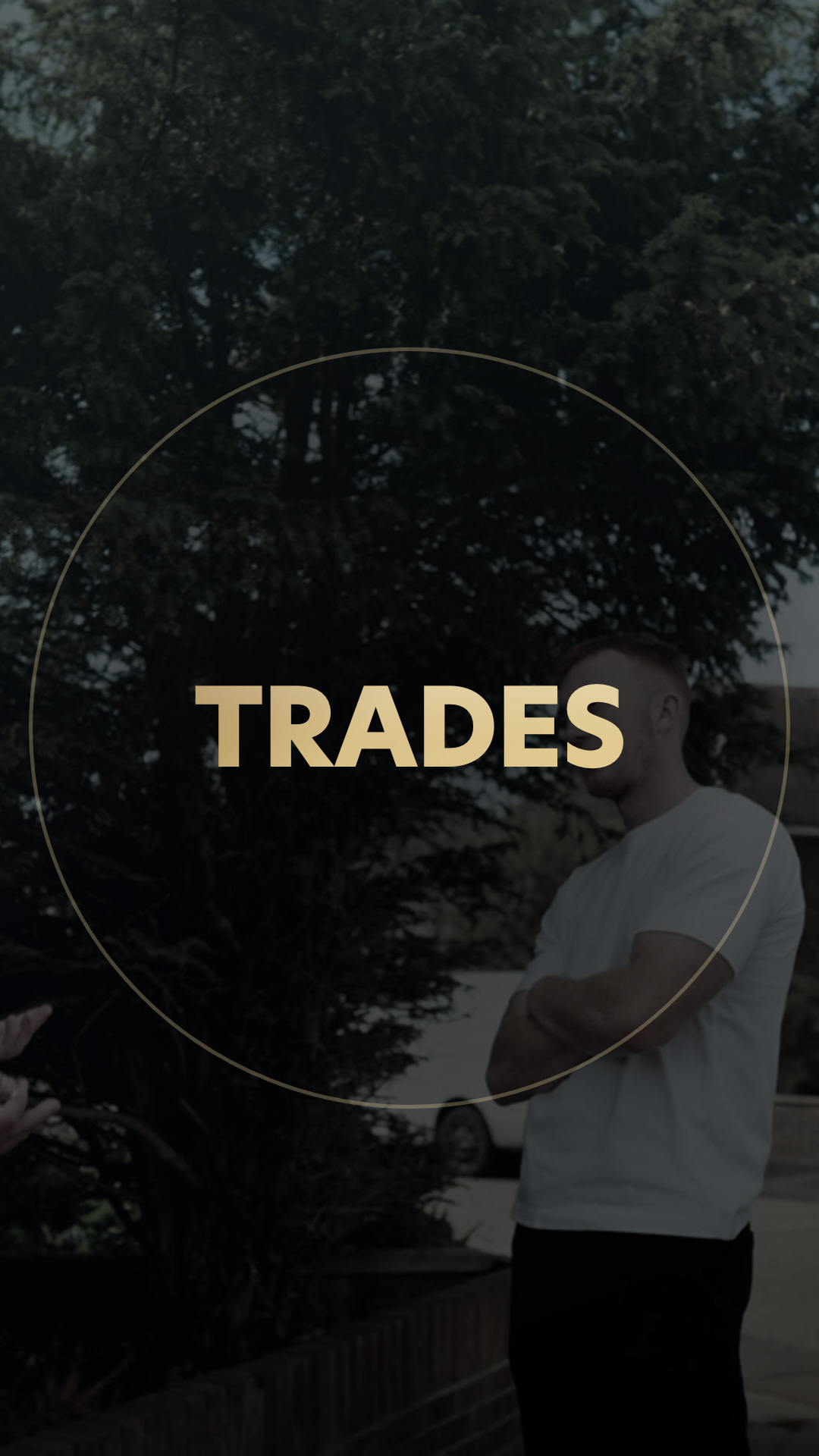
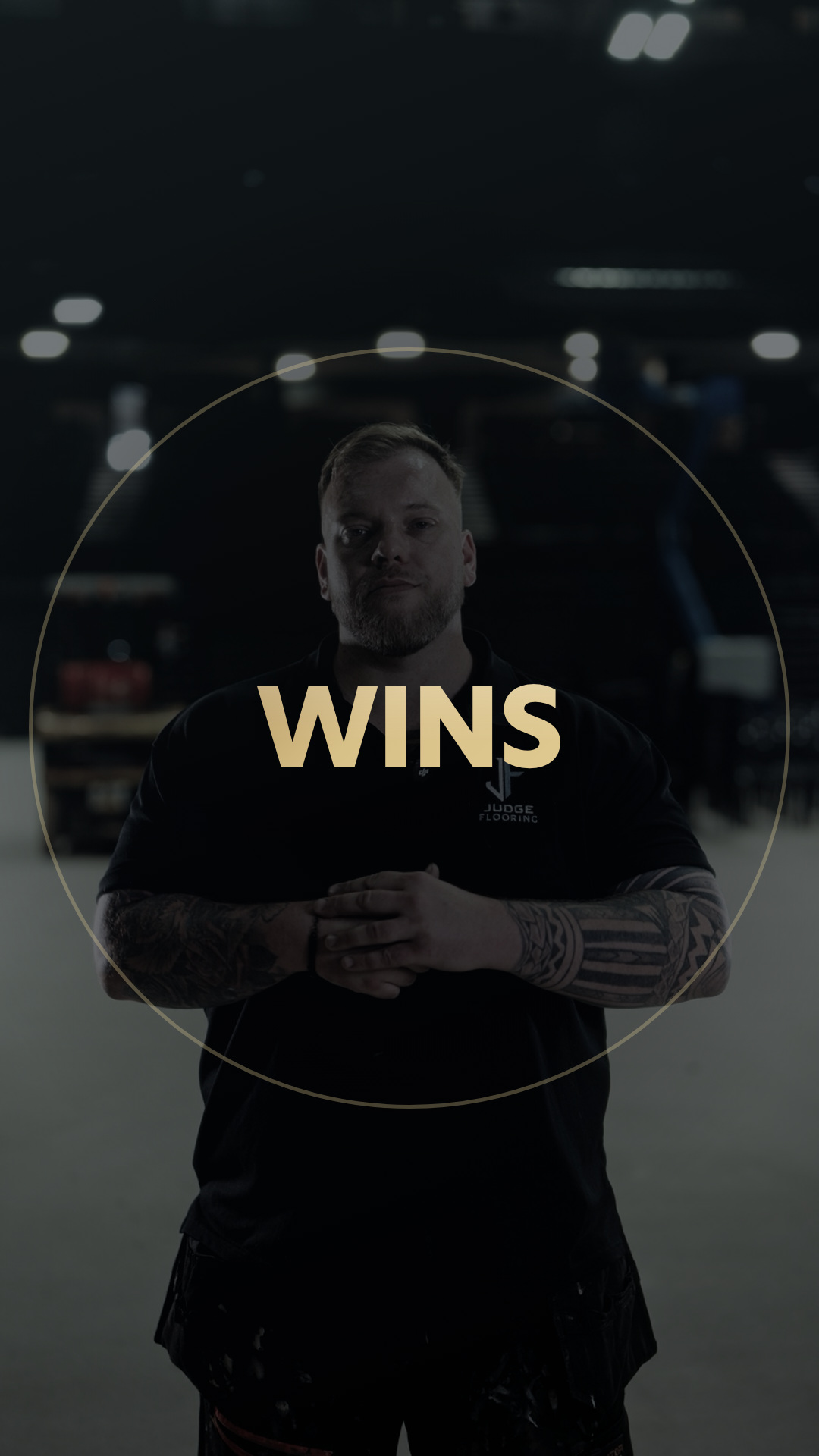
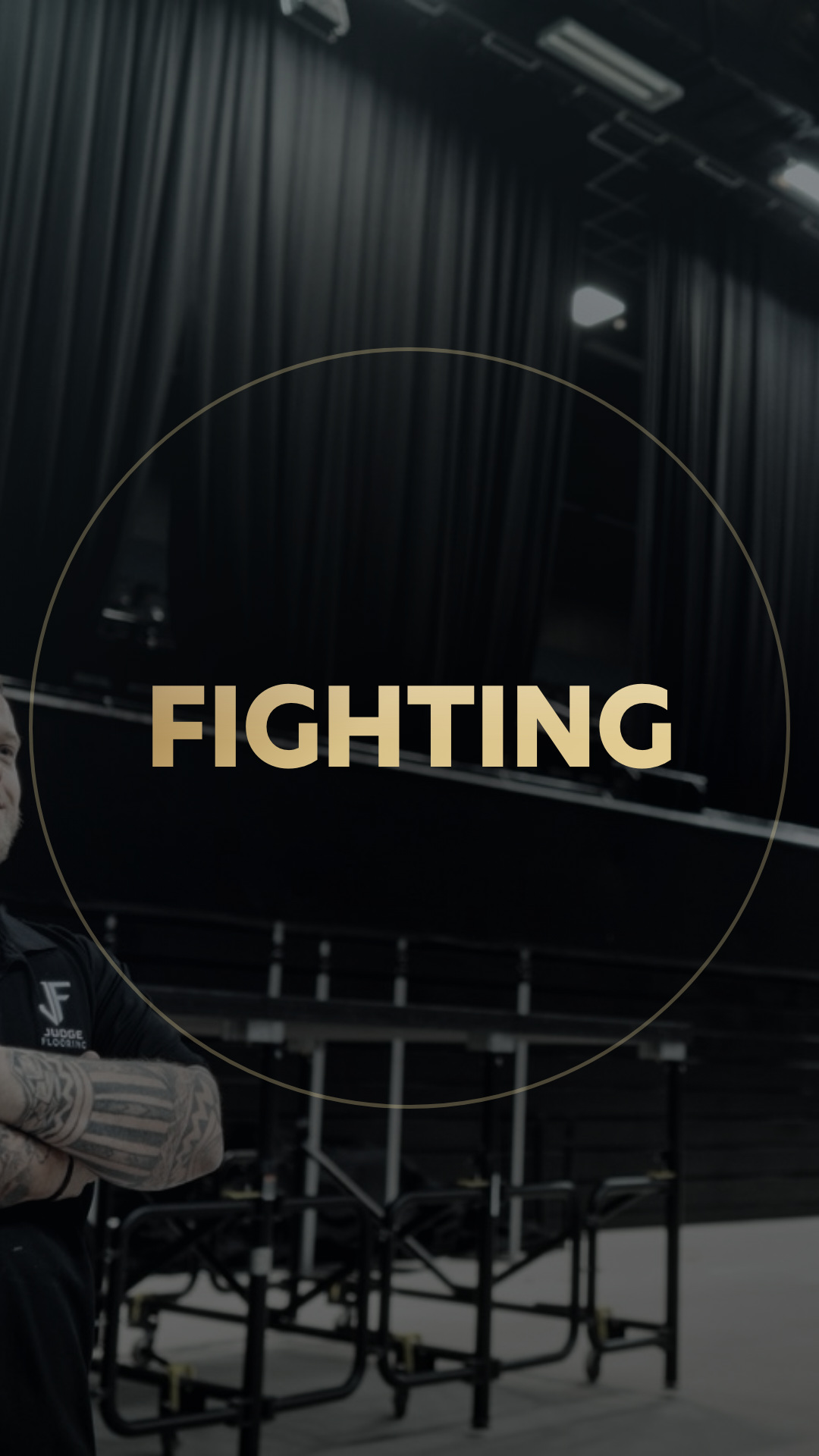
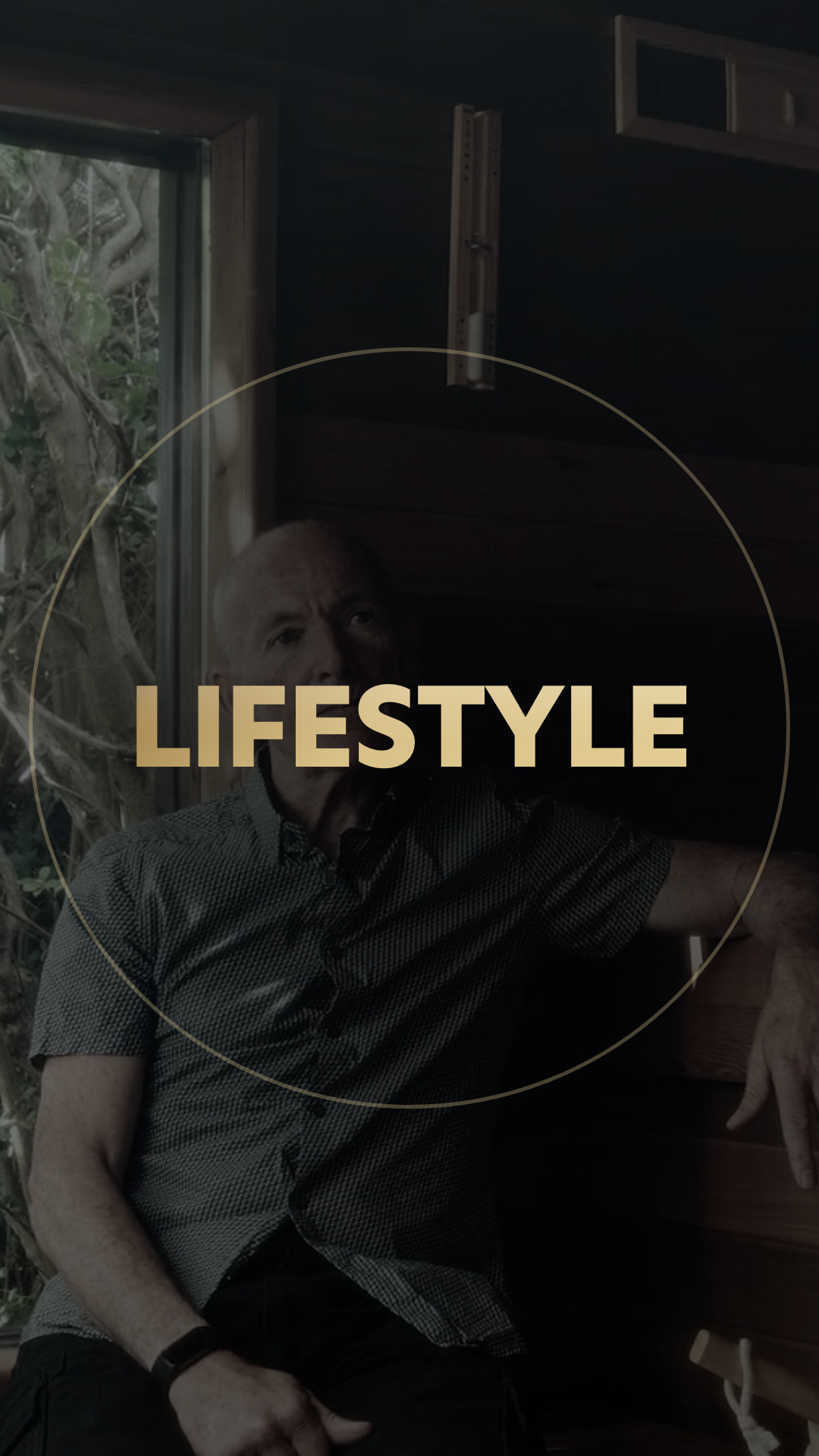
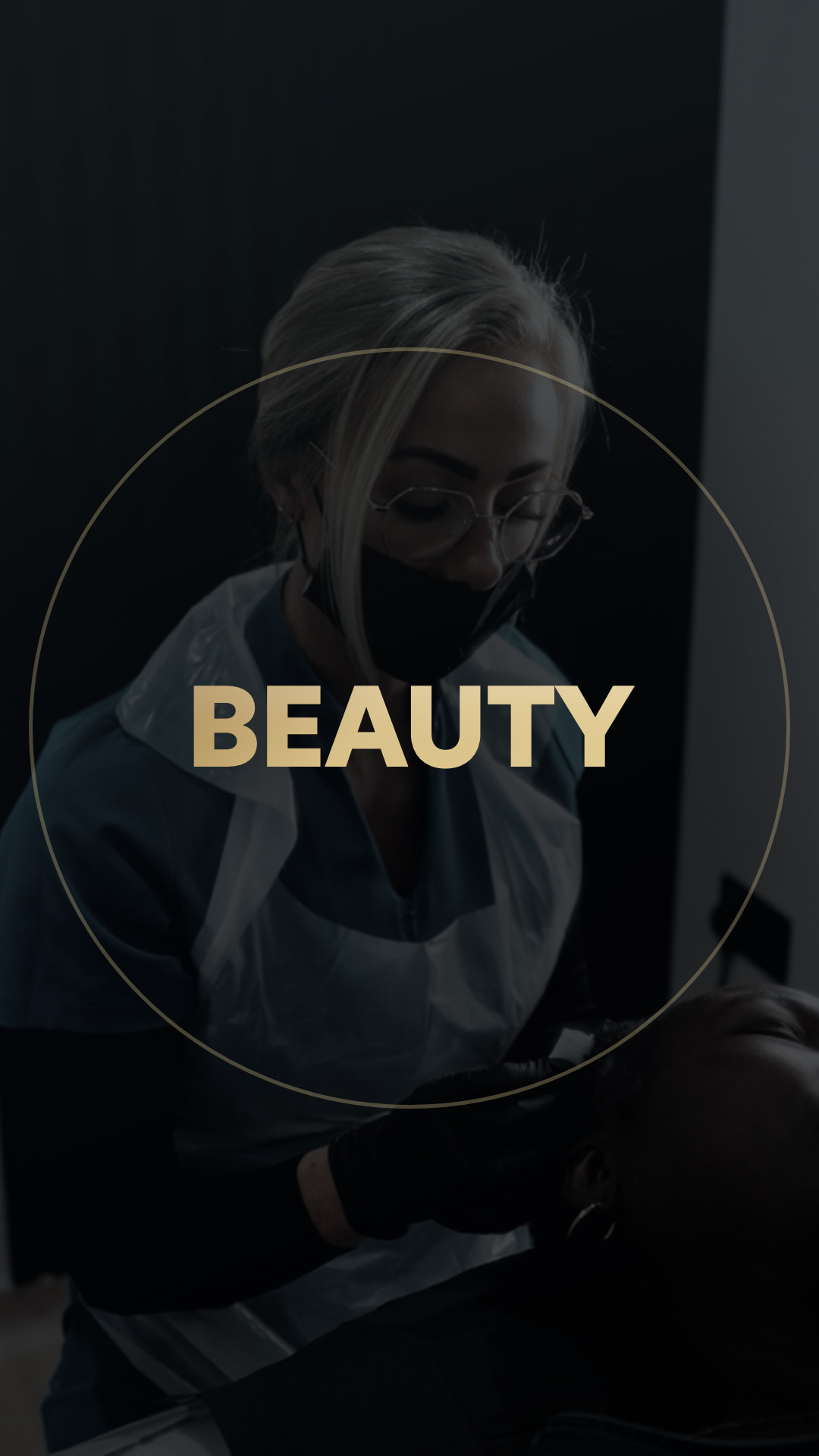
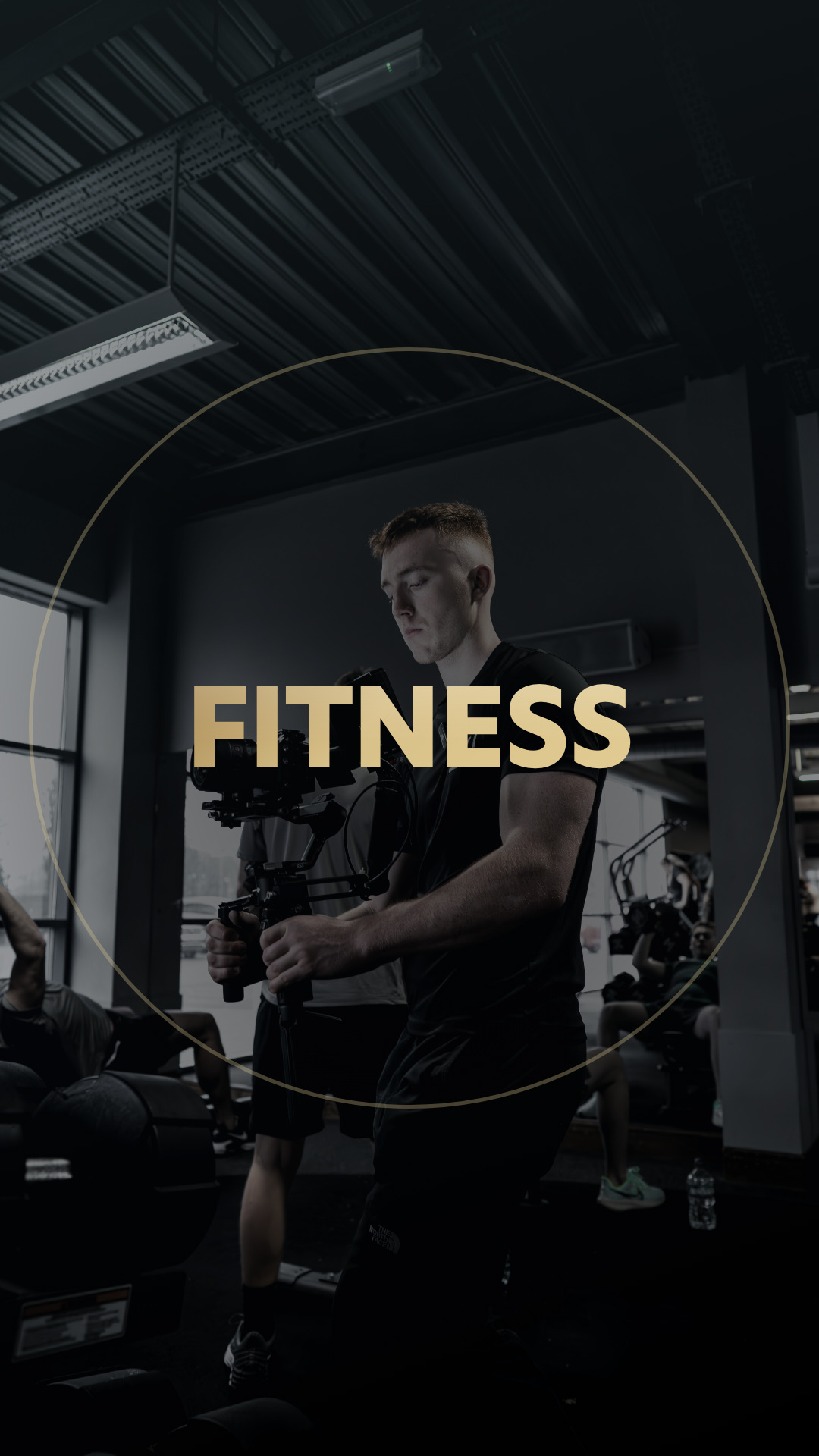
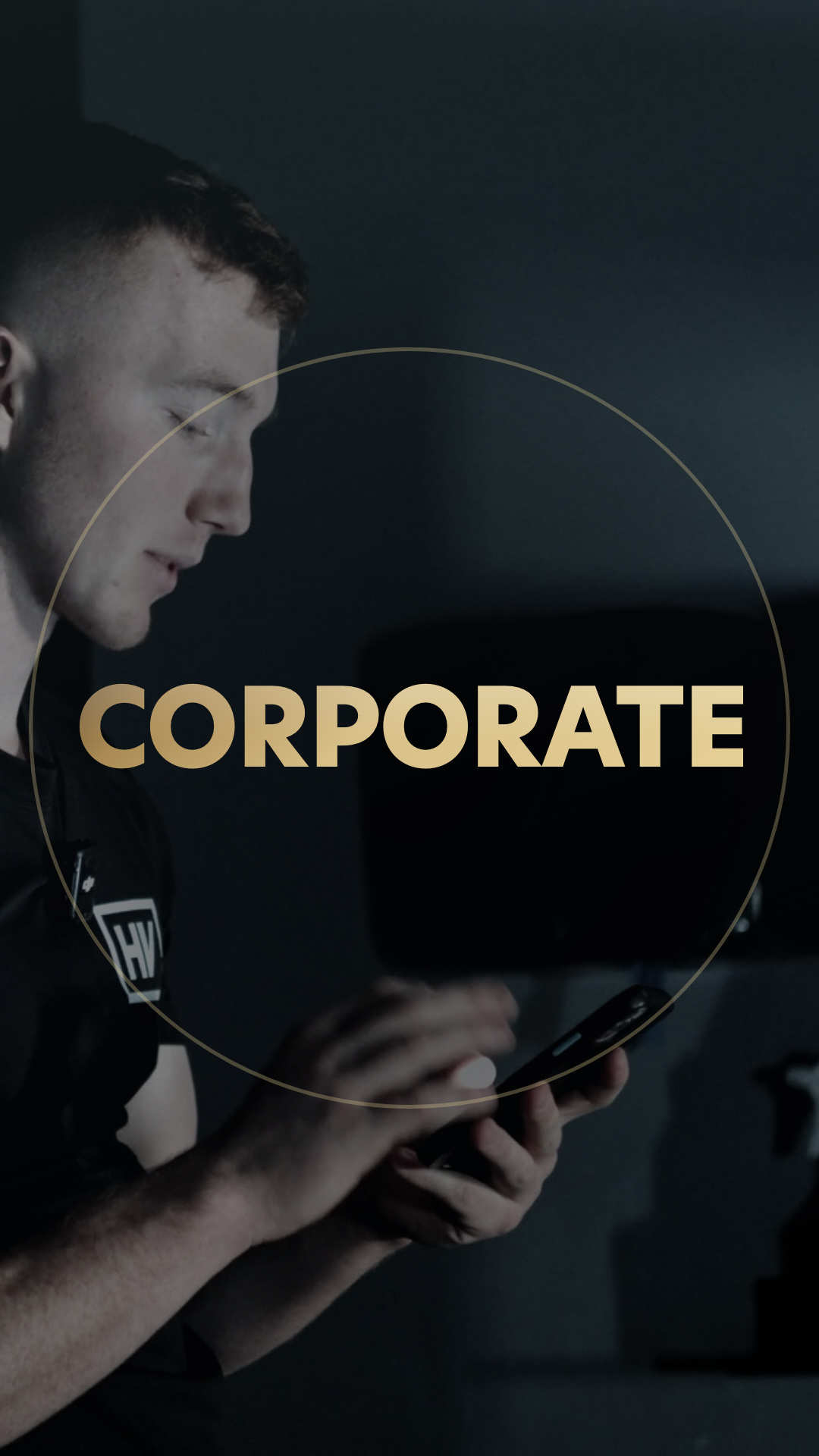
Two things to check. Your profile has a right arrow past Corporate, so there may be highlights I could not see. And I have no boxing or fight footage on this machine, so Fighting is sitting on a gym frame as a stand-in. Point me at a still from a fight shoot and I will swap it.
05
Uploading them, on your phone.
- Open this page on your phone and tap and hold each cover, then Add to Photos. The zip is easier on a laptop; on iOS the individual taps are quicker.
- Profile picture: Instagram, Edit profile, tap the picture, Choose from library. Do not crop it, it is already square and the gold ring sits inside the circle. Pinching it will cut the ring.
- Covers: open a highlight, Edit Highlight, Edit Cover, pick the file from your camera roll. Again do not pinch to zoom, it is already positioned.
- Any highlight you do not have yet, make it first with a single story in it, then set the cover.
- Titles stay exactly as they are. Every cover is built for a name you already use, so nothing needs renaming.